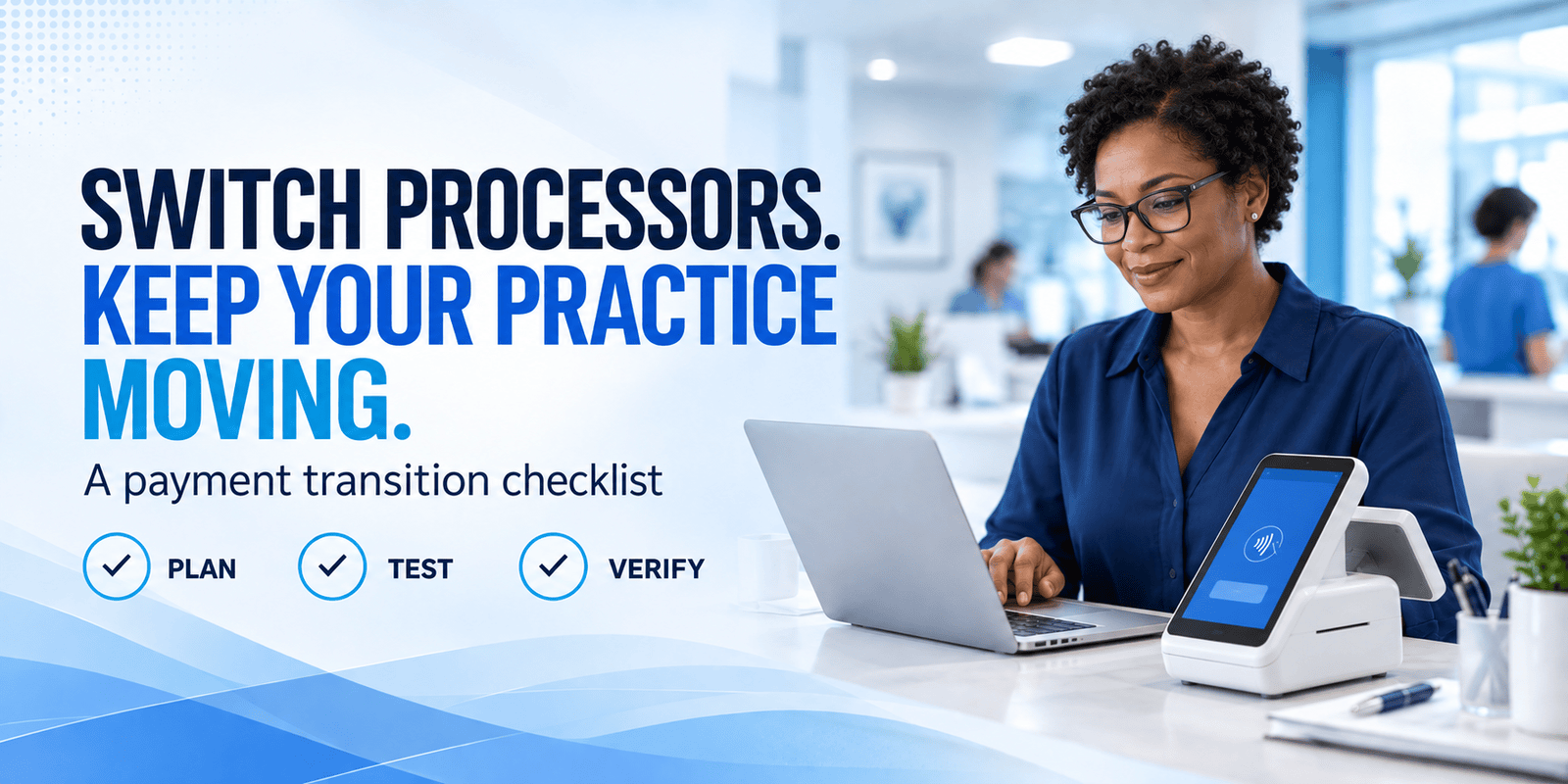
Your practice is ready for a different payment processor. Perhaps you want clearer reporting, more payment options, or a better fit with your practice software. Then the operational questions start: What happens to stored cards? Will payment plans keep running? Can you refund a payment collected through the old account?
Those questions deserve answers before your team begins using new equipment. A processor change touches checkout, online payments, billing, and bookkeeping. Planning each handoff helps your staff keep collecting payments while maintaining clear records.
For medical and dental practice managers, the goal is straightforward: know what moves, what must be rebuilt, and how you will confirm that the new setup works.
1. Map every way your practice gets paid
Start with a payment inventory. Include front-desk terminals, virtual terminals, website payment pages, payment links, recurring plans, and any payment tools connected to your practice management system.
For each channel, record its provider, staff owner, account or location identifier, and connection to your patient ledger. Note whether payments post automatically or require staff entry.
Also identify payment requests already in circulation. A patient may still have an old invoice link or a statement showing your existing payment page. Decide how those payments will be handled during the transition.
Use this inventory when discussing compatibility with the new provider. Our guide to choosing a patient management system covers processor choice and payment workflow questions worth bringing to that conversation.
2. Confirm what happens to stored payment methods
Do not assume a saved card will be available in the new system. Ask both providers whether a secure transfer is supported, which payment methods are eligible, and whether customer references must be mapped to new records.
Request a written explanation of the process, timing, fees, and exceptions. If transfer is unavailable, establish a secure way for patients to provide their payment information again.
Migration procedures vary by platform.
Keep sensitive payment information within the providers’ approved transfer process. Staff should not collect it in ordinary email or spreadsheets. The PCI Security Standards Council specifically prohibits retaining card verification codes after authorization, even when a customer gives permission.
3. Give recurring billing its own transition plan
Moving a payment method does not establish that its billing schedule moved with it. Review every active installment or recurring plan separately.
Document the remaining balance, payment amount, next charge date, frequency, authorization record, and system responsible for the next payment. Confirm whether existing authorization remains applicable or needs to be renewed for the new arrangement.
Then assign one system to each scheduled charge. Avoid leaving the same plan active in both systems. Keeping the old account accessible for reporting is different from leaving its billing schedules running.
For example, a dental practice migrating a hypothetical $150 monthly installment due on the 15th should verify which platform will collect that installment. Staff should confirm the new schedule and payment method before disabling the corresponding old schedule, following the agreed cutover plan.
PayLow Pro’s payment gateway options include recurring billing and secure card-on-file tools. Confirm the specific configuration and migration requirements for your practice before selecting a start date.
4. Preserve access to historical transactions
Your old payment account may still be needed after new sales move elsewhere. Patients can request refunds, disputes can arrive, and your bookkeeper may need past settlement reports.
Before closing anything, ask the existing provider:
- How will staff access historical transaction and settlement records?
- How will refunds for old transactions be processed after the switch?
- Who will receive and respond to disputes?
- What account access, funding arrangements, or charges remain necessary?
Export the permitted reports your practice needs and store them securely. Include transaction references, settlement records, and outstanding adjustments. Confirm retention needs with your accounting and compliance advisers.
Review the closure requirements in your agreement as well. PayLow Pro’s article on merchant service contracts provides a starting point for examining renewal and cancellation terms.
5. Choose a cutover window and train your team
Select a lower-volume window that avoids major billing runs whenever possible. Name a transition lead and identify support contacts for both providers and any affected software vendor.
Give staff a short written guide covering sales, refunds, payment posting, receipts, and unresolved transactions. Specify when each payment channel changes and what to do if the new setup is unavailable.
Update website payment buttons, invoice templates, saved links, and staff instructions. If patients must take action, explain the change clearly and direct them to your verified secure payment channel.
Keep communication practical: what changes, when it changes, and whom to contact. Patients should not need to understand the technical migration to pay their bill.
6. Test complete workflows before going live
Work with your provider on an approved testing procedure. Use a test environment where available and follow its instructions for any necessary live verification.
Check more than whether a terminal accepts a payment. Verify the amount, receipt, transaction reference, reporting entry, and posting to the correct patient account.
Test the channels your practice actually uses: in-person payment, online payment, virtual terminal, recurring billing, and refunds or voids. Confirm staff permissions and the applicable pricing configuration as well.
A payment can process successfully while its posting or reporting still needs attention. Resolve those gaps before making the new workflow routine.
7. Verify the first deposits and complete the handoff
After launch, compare practice records, processor settlement reports, and bank deposits. Account for the confirmed funding schedule, fees, refunds, and other adjustments when investigating differences.
Maintain an exception log with an owner for each unresolved item. Review initial recurring charges and transactions arriving through old links. PayLow Pro’s reporting tools provide payment visibility that can support this review.
Complete the old-account closure only when the agreed conditions are satisfied, including historical access, refund handling, and dispute responsibilities.
Build your transition around your practice
A successful switch starts with a clear map of your current workflows and a provider-confirmed plan for the handoff. Bring your software details, payment inventory, recurring billing requirements, and recent statements to the conversation.
Contact PayLow Pro to discuss payment options and the transition requirements for your medical or dental practice.